
Stephen Southin
Founder & CEO34 years in automotive, with experience scaling an automotive technology company beyond $10M ARR.
IN-HOUSE PHOTOGRAPHY FOR NEW & USED INVENTORY
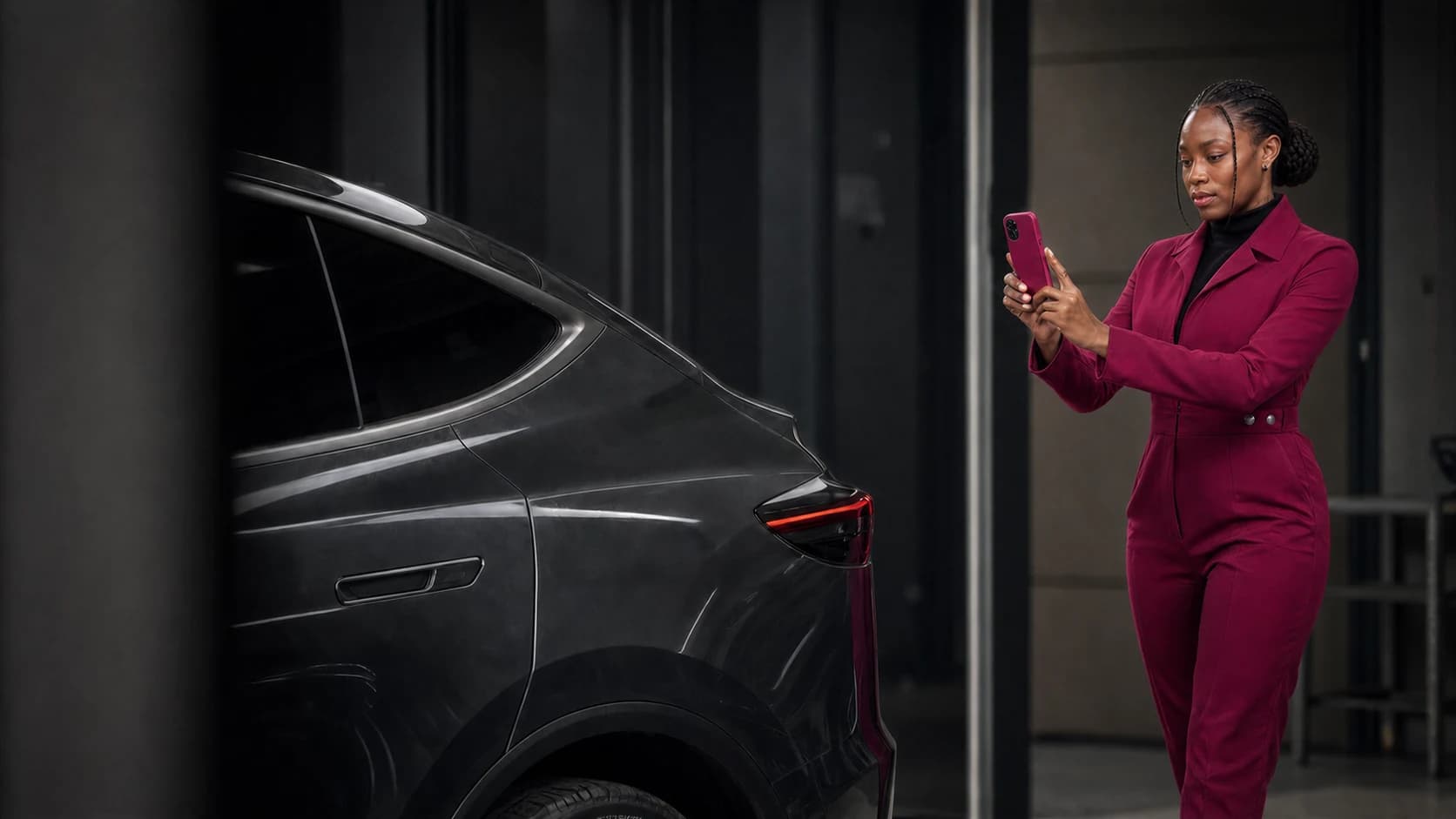
Your staff can photograph new and used inventory on a phone, with Halo guiding them around the car. Halo turns their captures into eight properly framed exterior photos, ready for delivery to your connected systems.
Start during the appraisal or when a new vehicle arrives, then update the photos after detailing.
Your team captures. Halo handles the finished images.
Ontario pilots begin in stages this fall. U.S. priority registration is open for January 2027.
See the walkaround become eight listing photos, followed by a fresh set after recon.
ACTUAL HALO CAPTURES. ACTUAL HALO OUTPUT.
Your appraiser needs a clear look at the panels. Buyers need to see the whole car. Halo uses the same capture for both.
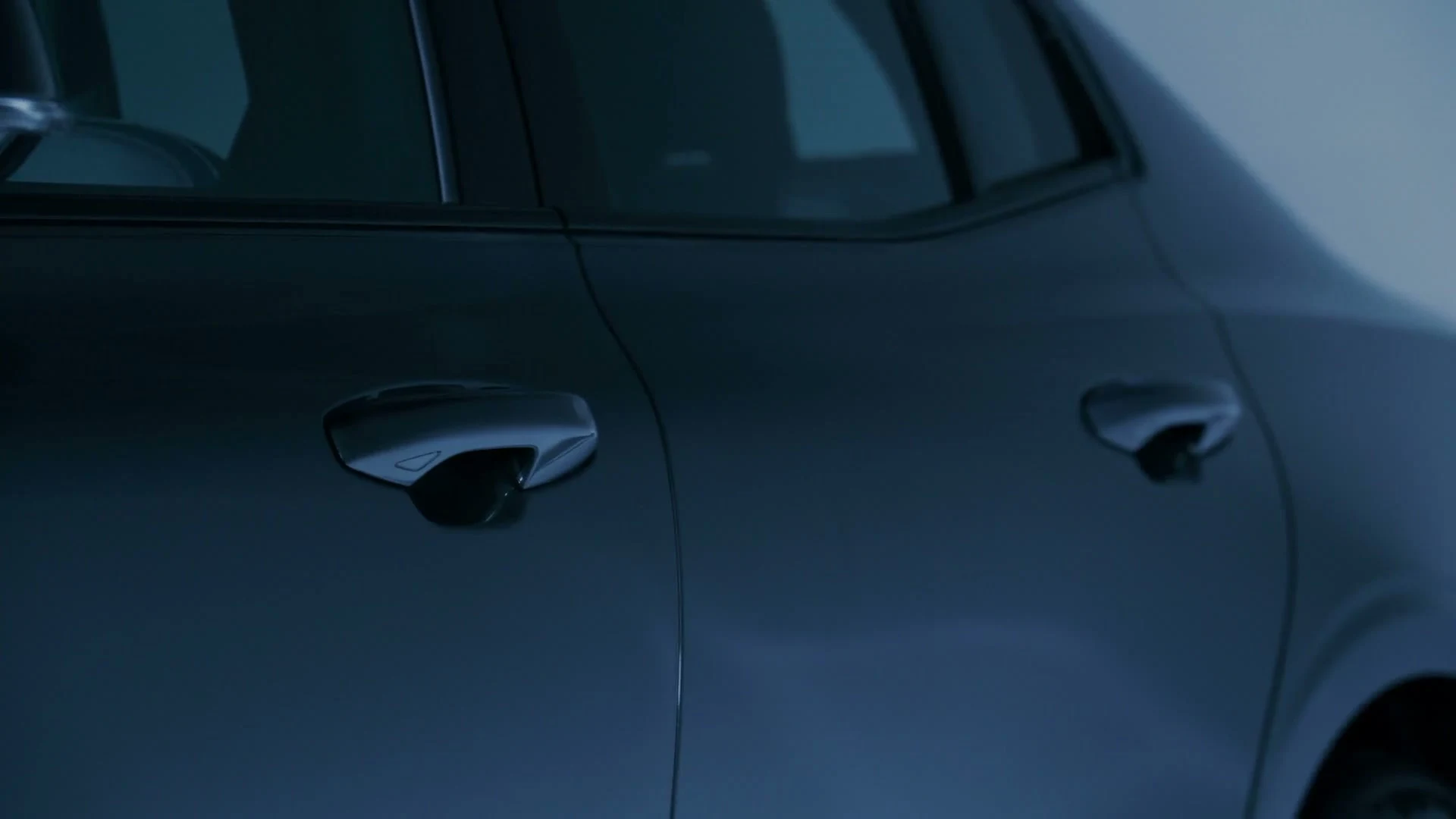
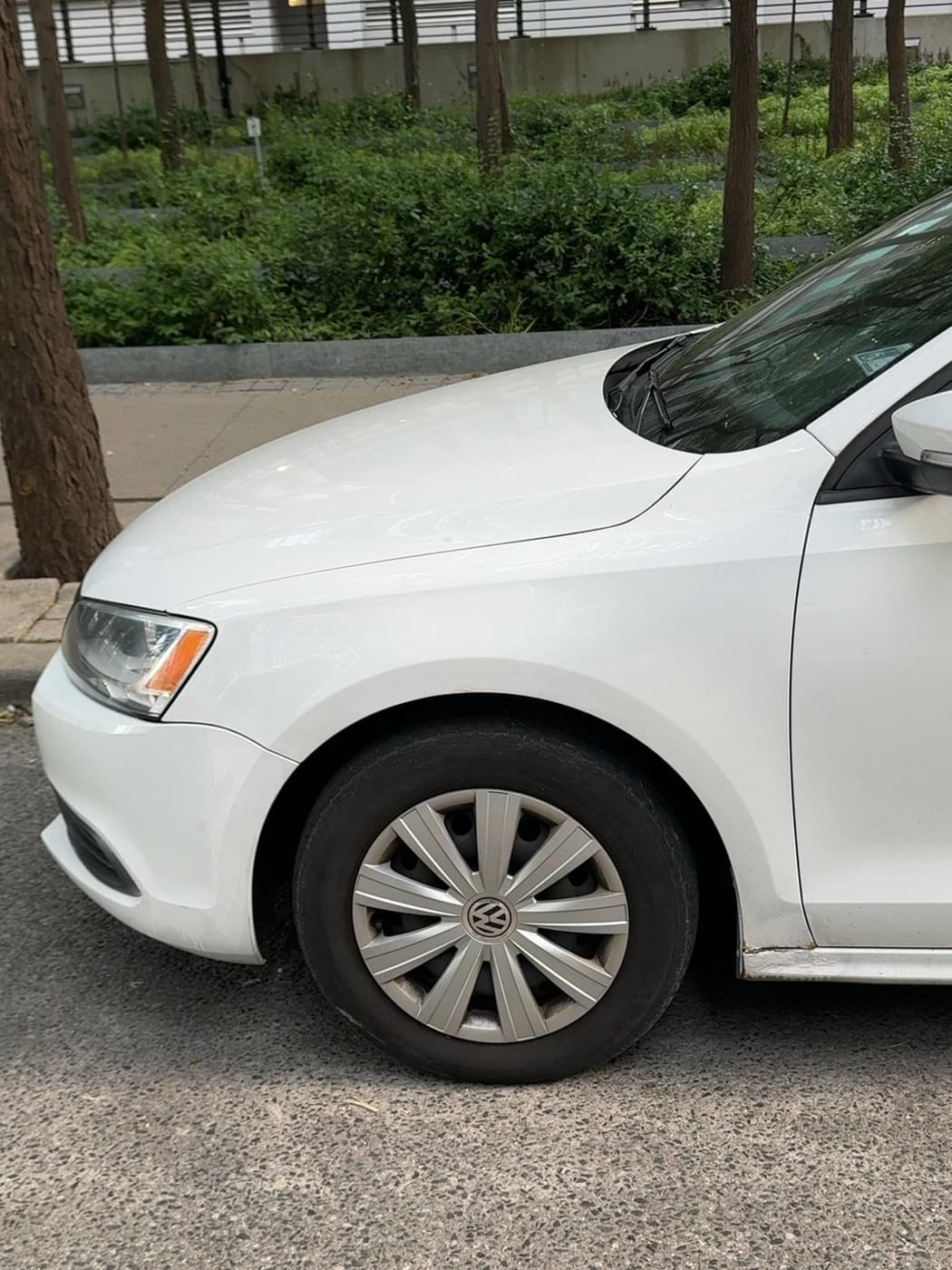
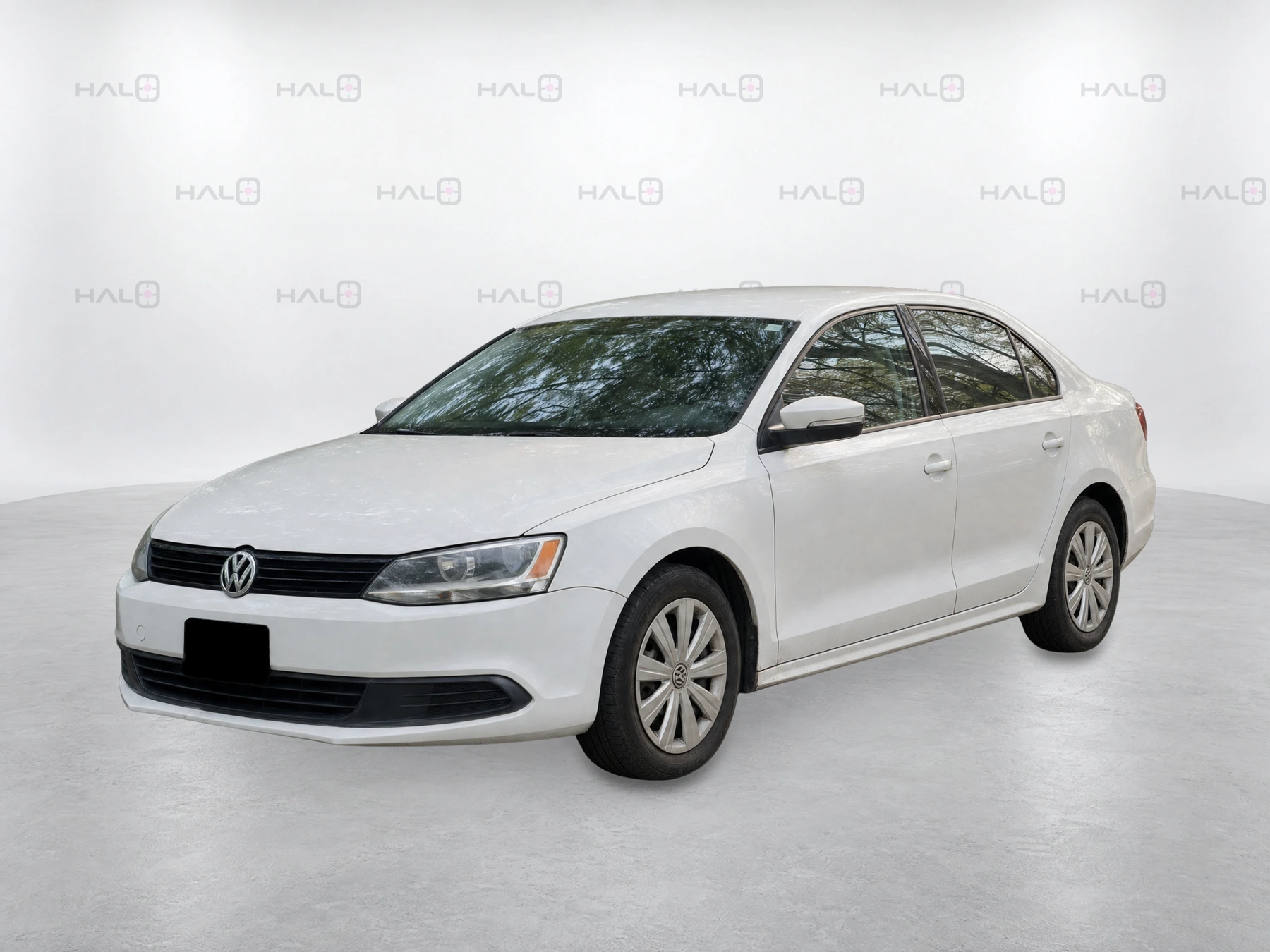
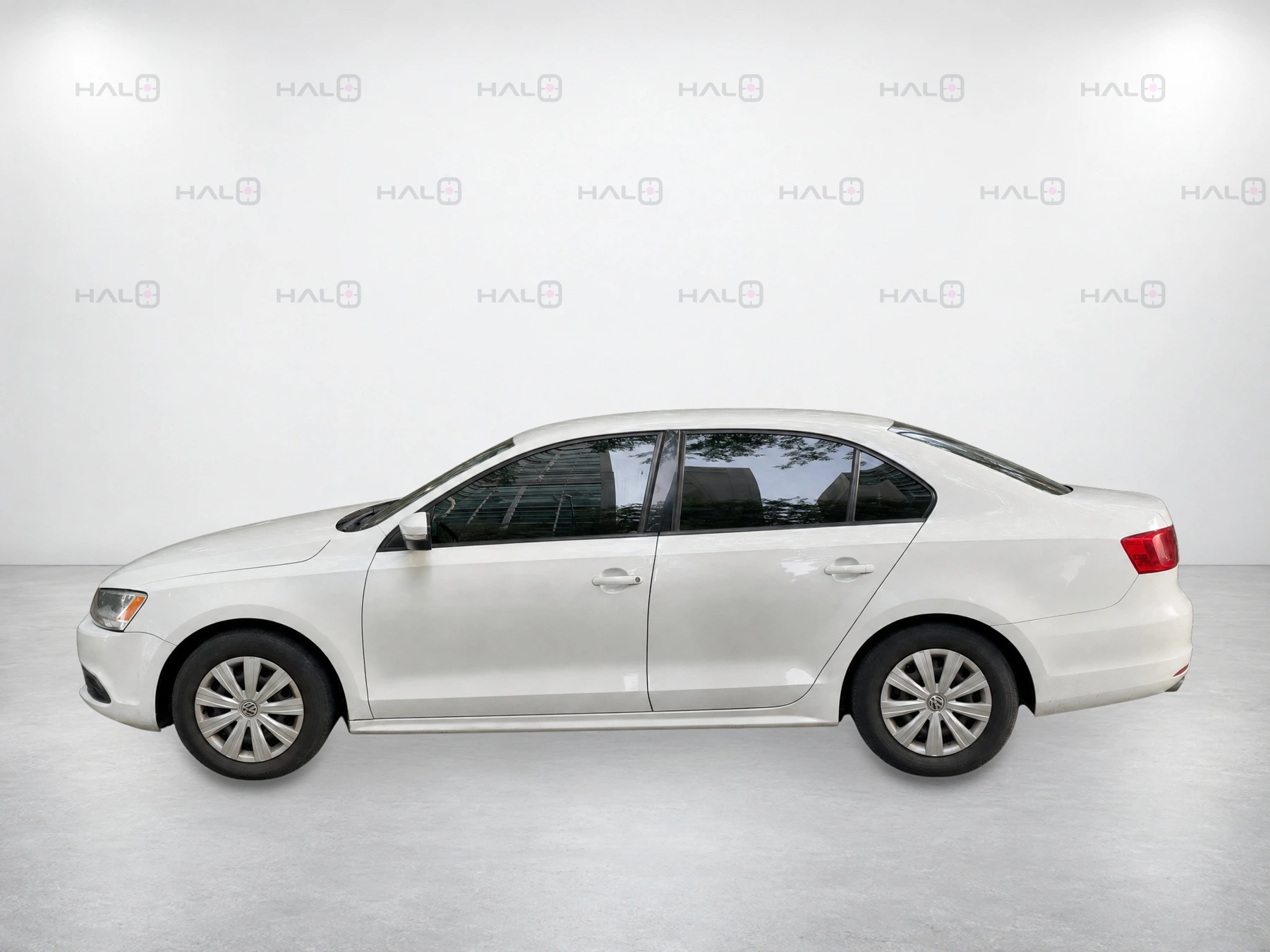
These close-ups came from the Jetta walkaround. Beside them are the eight finished photos Halo produced.
Capture examples · close-range coverage


Output examples · eight standardized views

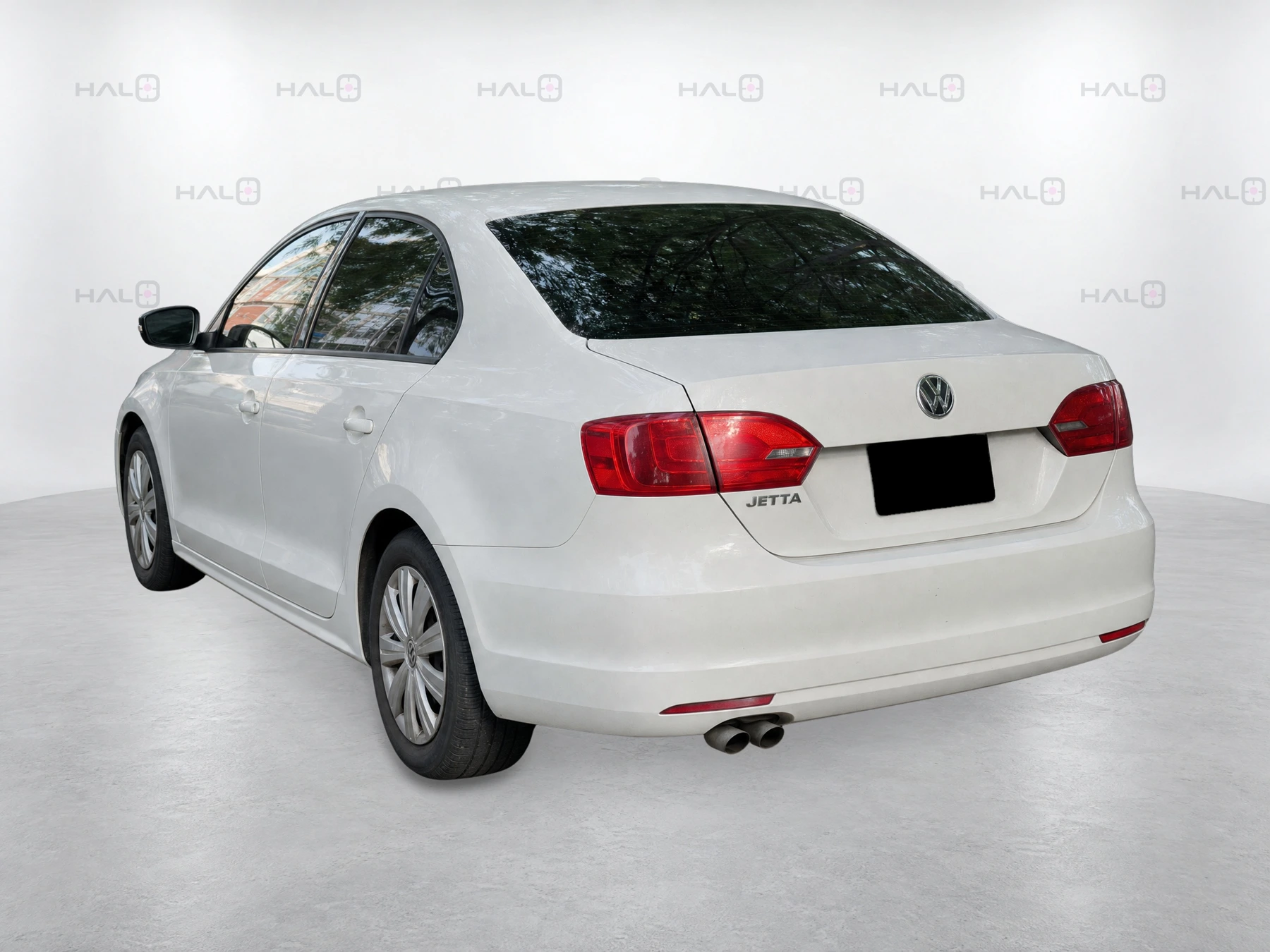
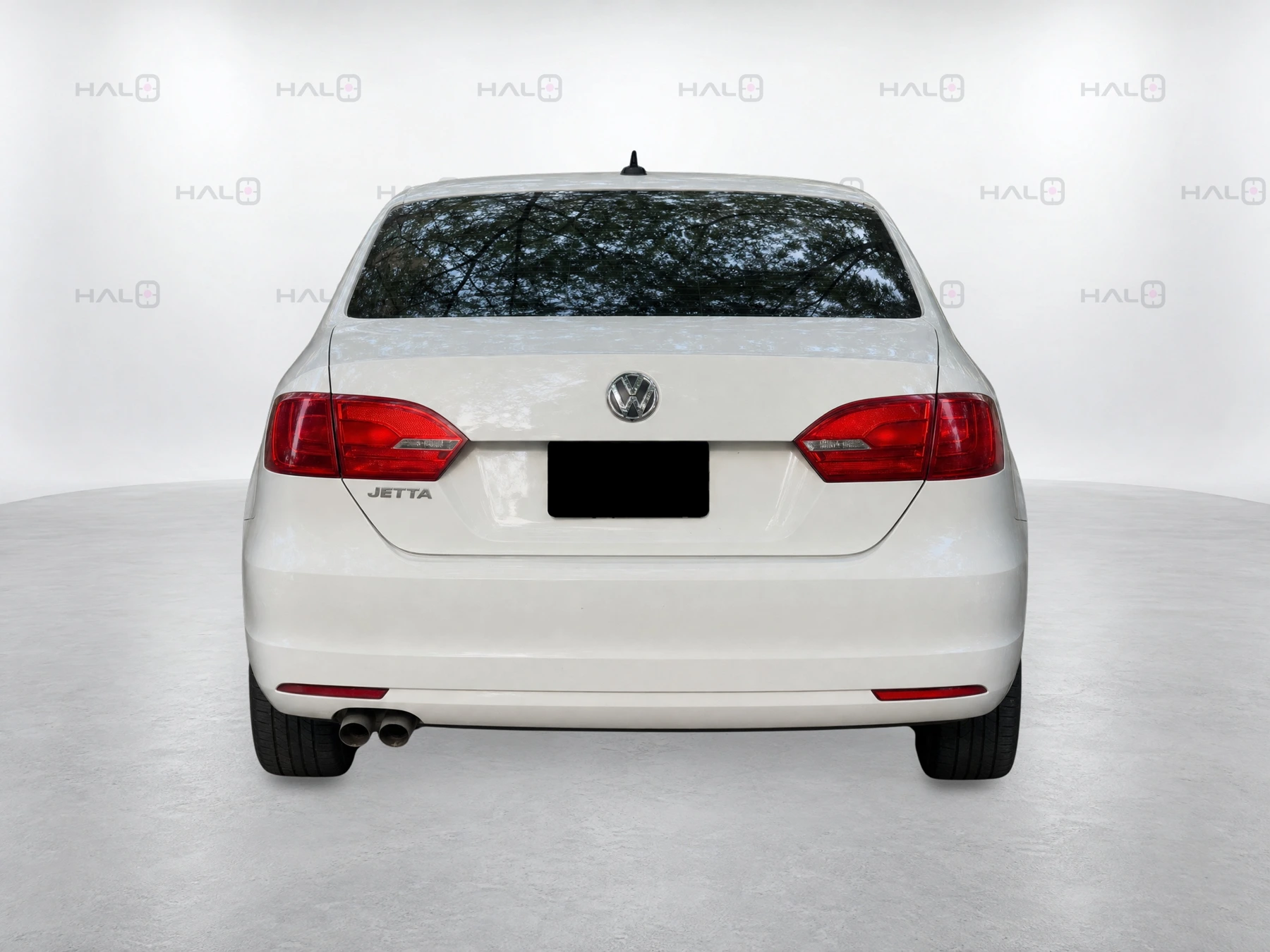
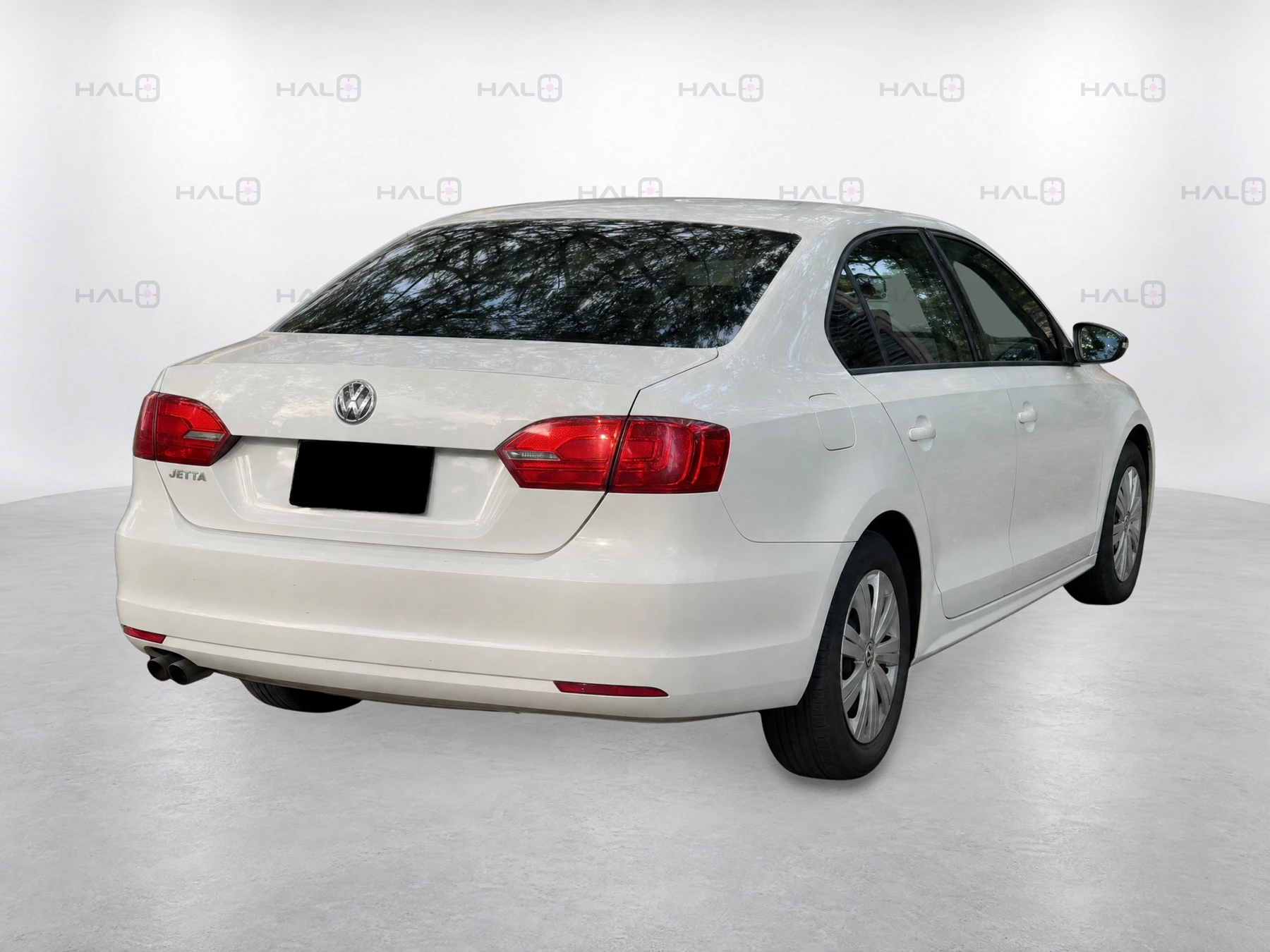
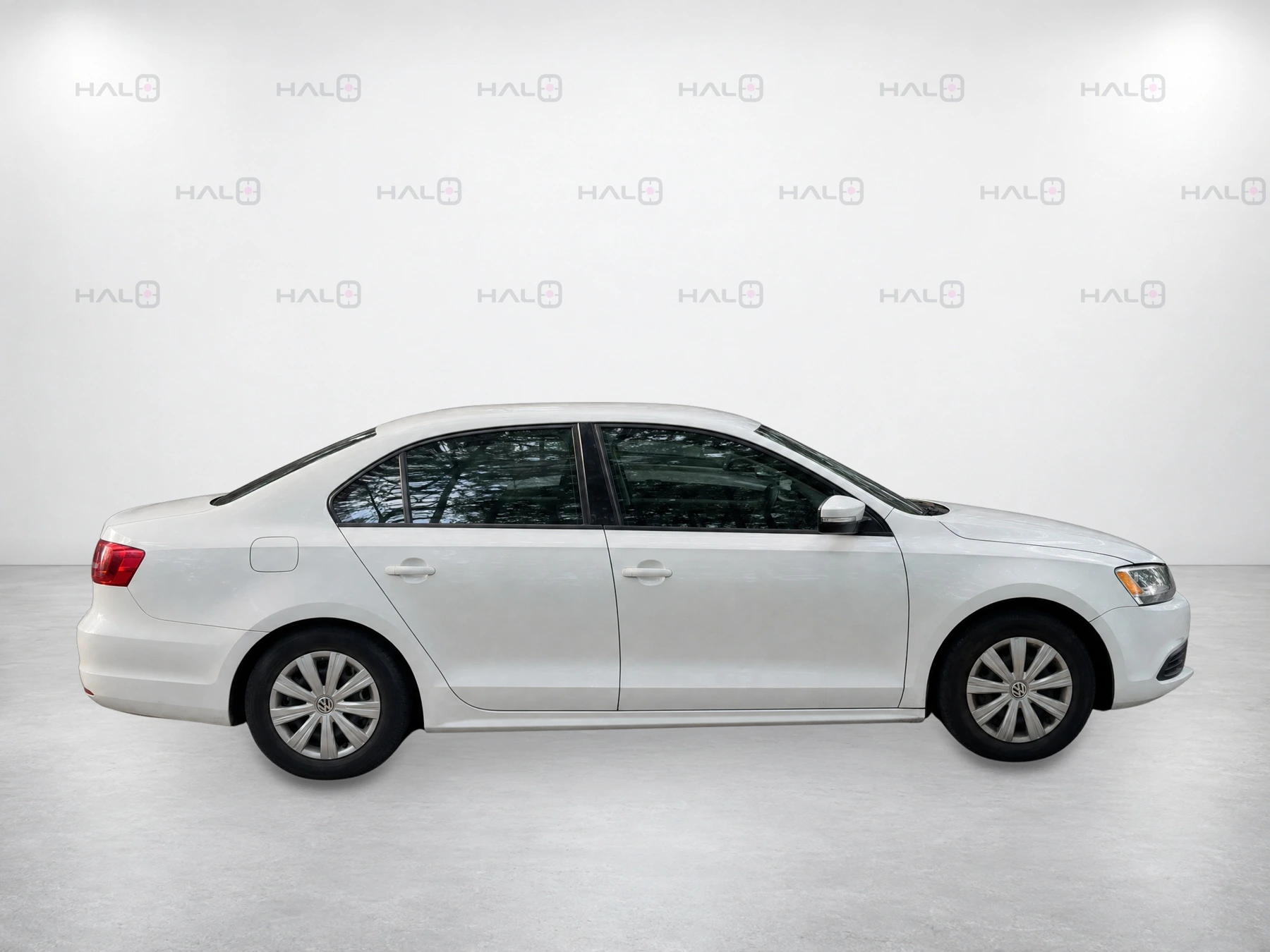
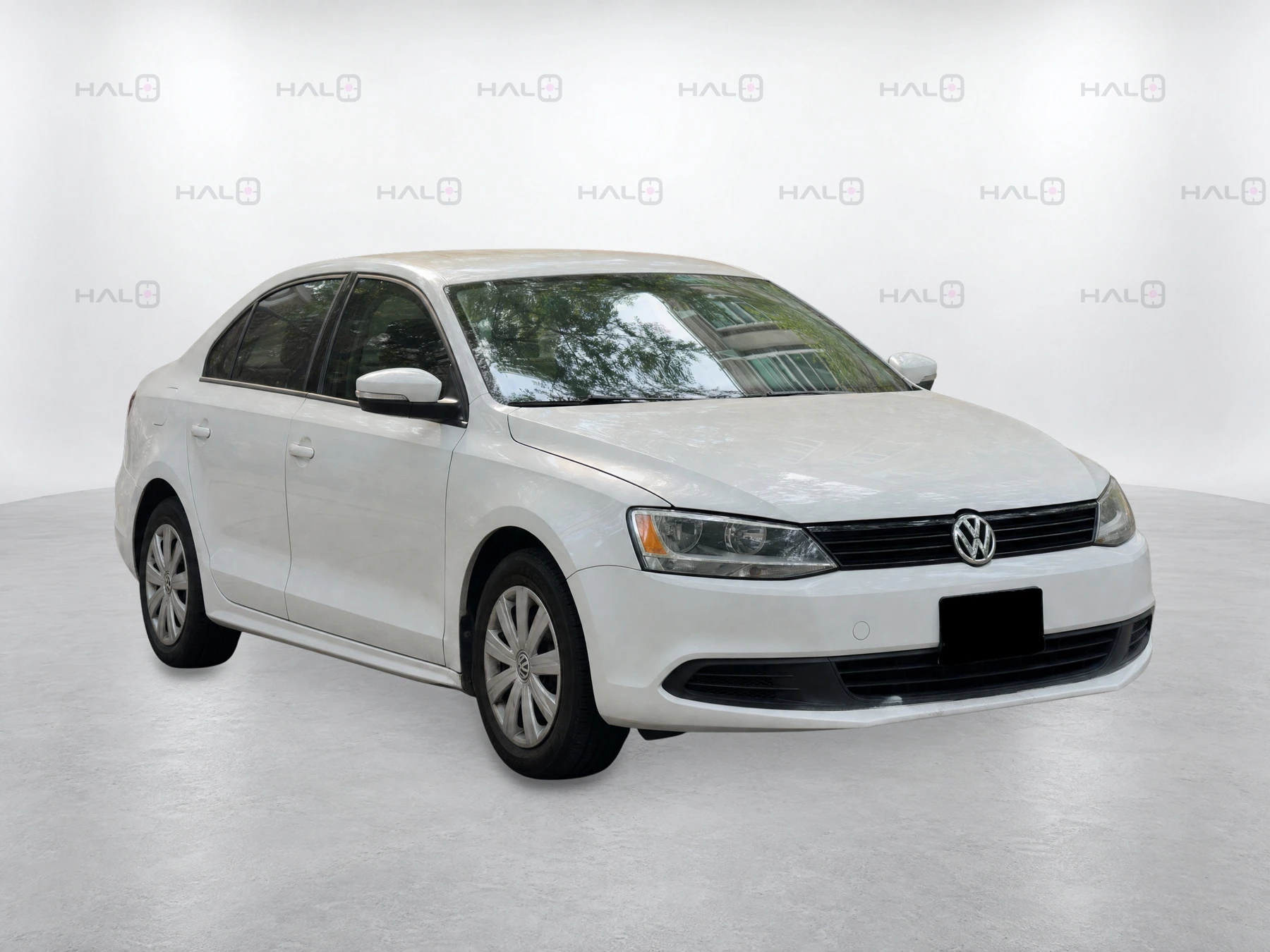
The exterior walkaround takes about 90 seconds; processing, quality checks and delivery come afterwards. With about five feet of clearance all the way around, you can photograph the car where it’s parked.
Halo frames the finished photos while retaining the car’s visible features and condition. Your appraiser reviews the close-ups; if you buy the vehicle, the capture supplies its first listing photos.
Explore the capture technologyAfter scanning the VIN and odometer, you’ll see a dot anchored to a point on the car. Move until you line up with it. Halo takes the photo when the view, target, distance, level and clarity checks pass, then guides you to the next position.
The 15 targets cover sections of the exterior. Halo then composes eight whole-car views, giving different staff all the same intended angles and framing.
Halo’s Vehicle Spatial Intelligence locates the camera relative to the car to guide each shot.
Your salesperson opens a Halo link beside the trade-in. The detailer has a link for later photos. Both can save Halo to a supported phone’s home screen without an app-store download.
A poor signal needn’t stop the walkaround. After initial setup, the dots and VIN and odometer scanners work offline. Processing and sending the photos still need an internet connection.
Looking at a trade-in? Use the walkaround to get a closer look at its exterior. If the car is still with a customer, wholesaler or seller, send them a capture link so your team can review the images and ask about anything that needs attention.
While the car waits for recon, Halo can turn its appraisal capture into eight listing photos once you’ve bought and stocked it. A shopper can see the car and contact your sales team before it reaches the front line, with the listing explaining that preparation is underway.
We call that day zero—the day you stock the car.
After recon and detailing, walk around the car again so the listing shows how it looks now. Halo then prompts the interior and feature shots, with room for up to 25 additional photos. For a new vehicle, begin when it arrives or enters stock.
Halo processes and checks the photos, removes faces and replaces licence plates with black plate holders in listing images. Your manager doesn’t need to approve every set. If another capture is needed, Halo tells your team what to retake.
Choose a preset background or upload your own. Change it across your inventory without another photo session or a separate rebranding fee.
Photograph your appraisals even when you don’t win the vehicle. New arrivals and fresh photos after detail are covered too.
The monthly price covers your team’s access and the work from capture to finished photos, including processing and Halo’s quality checks. You also get guided detail photos, background changes and delivery to the supported systems agreed at setup. Standard onboarding and support are included.
No per-car charges. No generation fees. No overages.
Keep your photographer while you try Halo for the first listing set. Compare Halo’s subscription and staff time with the services you could replace.
A rooftop subscription covers one physical dealership location and its own appraisals and inventory.
Get your rooftop priceTell us which appraisal tool you use and where your listing photos need to go. We’ll check those specific connections with you before launch, including what’s supported and what needs setup.
The photos stay with the car’s VIN. At stock-in, Halo Relay sends them to your connected systems. After detailing, it replaces them with the new set, saving staff another upload.
Before a six-week pilot, we’ll agree on the scope, commercial terms and success measures, then record how long photos take today.
Week one covers setup and training on your vehicles. Staff use Halo during weeks two to five, with our support. In week six, we review the results before you decide whether to continue or expand.
At the review, you’ll see the before-and-after wait for photos and staff time spent capturing, checking and retaking shots. We’ll also show the percentage of stocked cars with all eight exterior photos online. Your store’s pilot dates are agreed beforehand.
Enter your monthly stock volume and usual wait for photos to estimate the carrying costs during those days.
Planning estimate · CAD
C$18,900 per month
540 vehicles × 7 days × C$60 per day. Earlier photos give those paid-for days a chance to attract buyers. Carrying-cost savings require a shorter stay in stock.
7 days earlier than the current wait.
C$226,800 less carrying cost falls inside the photo wait. This amount becomes time with photos live; it is not automatically saved.
9 of the existing monthly sales are assumed to move from days 31–60 into the first 30 days, at C$619 additional gross each.
This is a scenario to test against sales results. No extra sales or F&I income are included.
We review your named appraisal, inventory and publishing systems before agreeing a pilot. The supported workflow, connection method, required access and delivery rules are confirmed for your rooftop.
Give sales, lot managers and detailers the capture links for their work. Halo guides the capture and checks the finished listing images. Your manager does not need to approve every set. If another capture is needed, Halo tells your team what to retake.
We confirm the supported phone and browser combination with your team before the pilot and test the capture workflow on the devices your staff will use.
Day zero means the day the acquired vehicle is stocked. Publishing requires a completed usable capture, the correct inventory match, Halo QC approval and a supported connected destination. We agree and measure the delivery workflow with your rooftop.
Your team makes a fresh exterior capture after recon and detailing. The approved final set replaces the initial images through the agreed delivery path. You can add up to 25 interior and feature views, depending on configuration.
Halo composes full-vehicle listing views from close-range captures with consistent framing and an approved background. Visible vehicle features and condition must remain represented. Halo checks the finished set before delivery. Faces are removed from all images, and licence plates are replaced with black plate holders in listing images.
We can scope the first pilot around initial listing photos and agree who handles the final imagery. The walkthrough maps Halo into your current process before any change is made.
Pilot scope and commercial terms are discussed directly and agreed before starting. The ongoing subscription is one monthly price per rooftop, including capture, generation, processing, Halo QC, detail-photo flows, background updates, agreed supported connections, standard onboarding and support. No per-car charges, generation fees or overages. Continuing after the pilot is a separate decision.
Yes. Send the appropriate Halo link to a customer, wholesaler or seller. They follow the guidance on their phone and return close-range images for your appraiser or buyer to review.
No separate app-store download is needed. Save the capture link to your home screen. Once set up, dot guidance, VIN scanning and odometer scanning work offline; processing and delivery need connectivity.
Ontario rooftops begin onboarding in stages during October–December 2026. The first U.S. regional cohort is targeting January 2027. Other Canadian regions can register interest. A priority-list registration does not reserve a start date.
34 years in automotive, with experience scaling an automotive technology company beyond $10M ARR.
Co-founder and CEO of Lyteflo; former COO of Glubagoo, scaled to 6,000+ dealerships.
Assistant Professor and Canada Research Chair in Artificial Intelligence at Carleton University; Faculty Affiliate at the Vector Institute.
See the capture and finished photos in 30 minutes. We’ll confirm your connections and monthly rooftop price.
Book a 30-minute walkthrough